A modern, feature rich timing and race management system focusing on simplicity to make race days stress-free.
1/100s
Timing Precision
24/7
Live Profile Syncing
1:28
Scale Class Focus
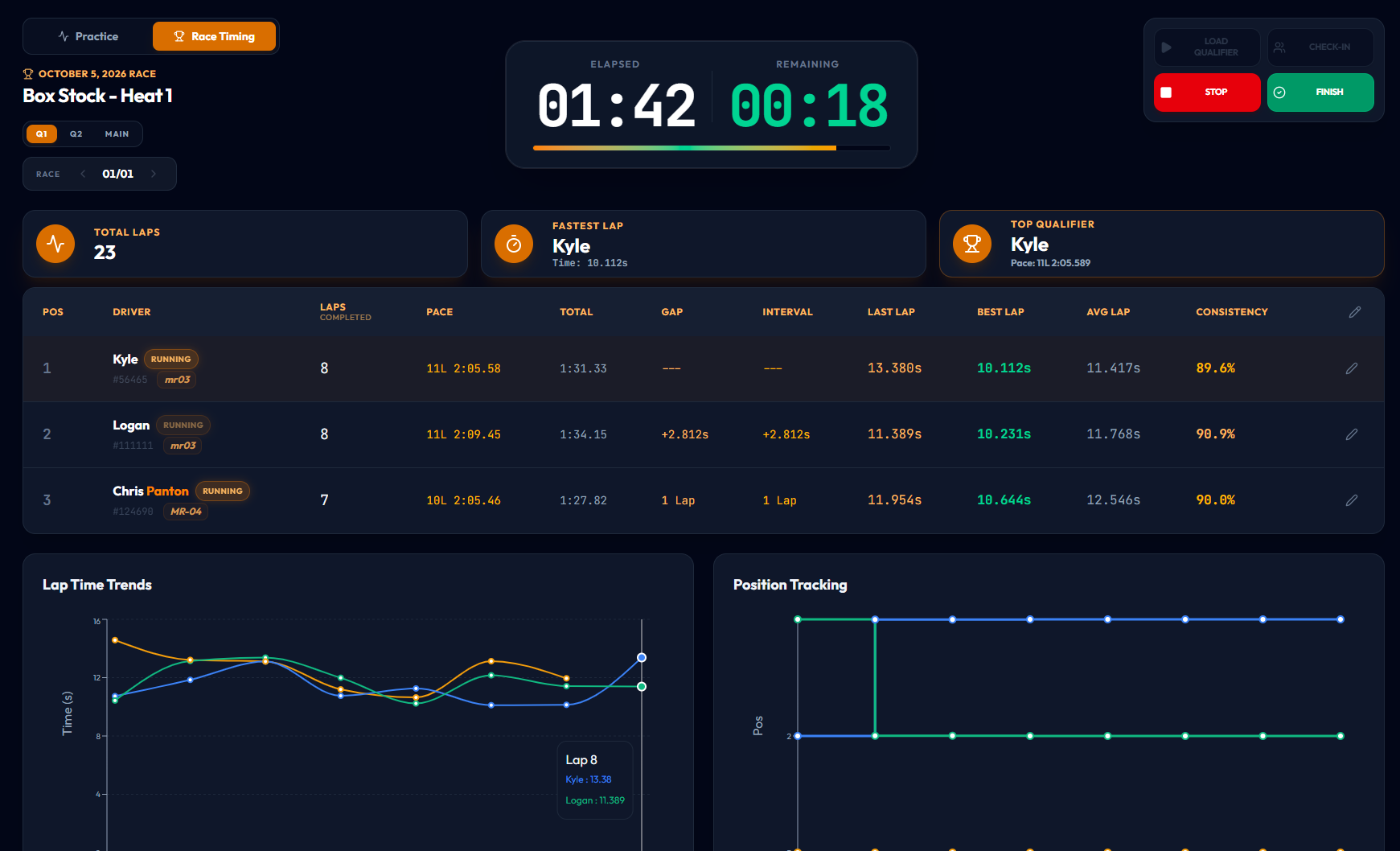
Ditch the tedious steps and manual input. Ultimate Timing simplifies every step of the racing workflow. Select a feature below to view the interface.
Easily deployable. Run from your web browser or install on your computer. Supports EasyLap USB decoder.
Flexible Plans
Essential driver features and basic track practice mode.
Standard race hosting and app customizations.
Comprehensive race-scoring server setup with zero restrictions.
Watch high quality video tutorials or send an email with questions, issues or suggestions.
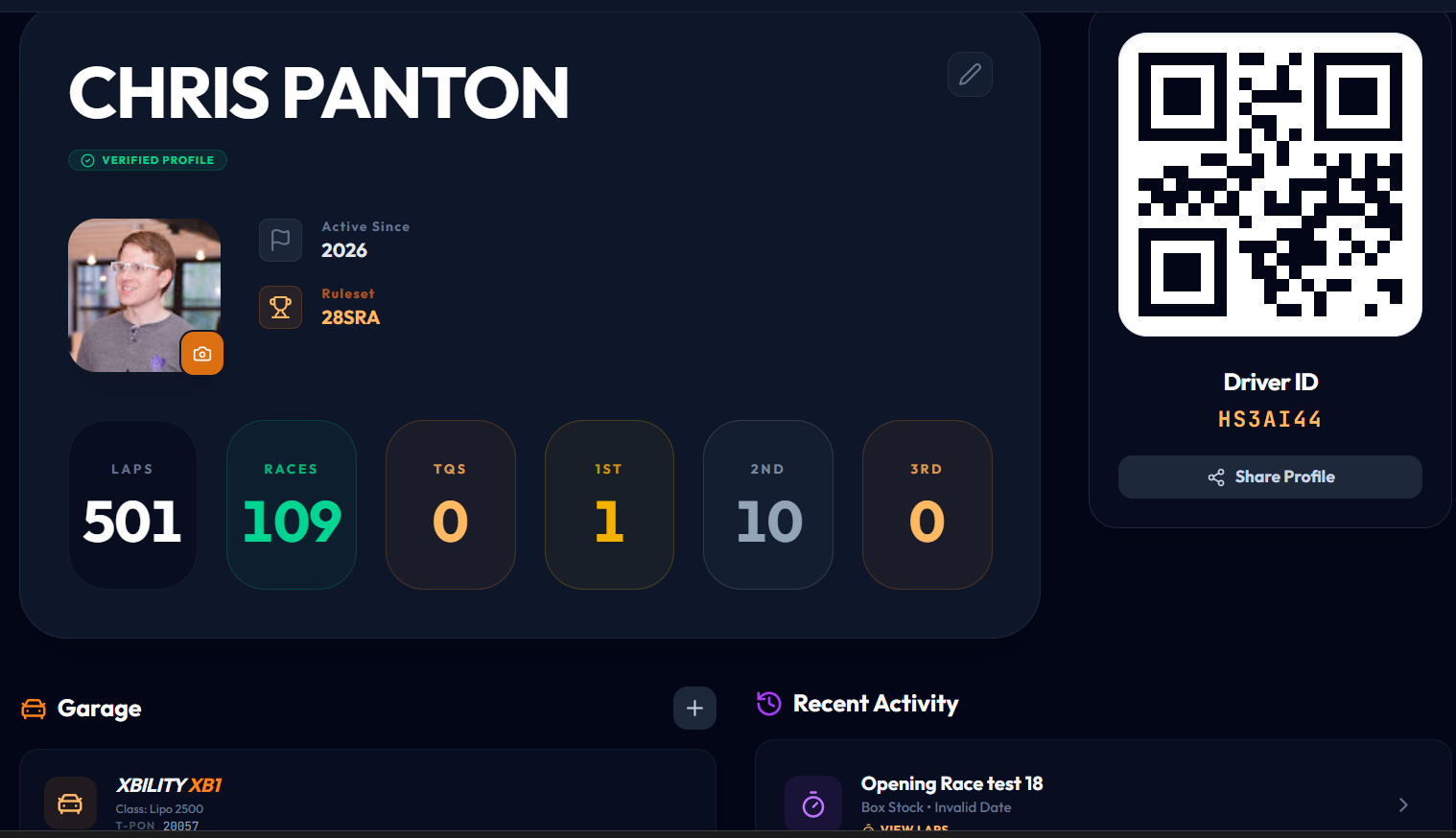
This video showcases the game changing feature for track owners to utilize for their track by being able to import drivers via a QR code or driver PIN. We look at the driver database and the features therein.
This video we go over the main screen for practice and race timing. We dive into the usability features and layout of the timing screen.
We look at managing heats, rounds and driver organization after creating a race event or heat.
Learn the simple steps to creating your first race event.
In this video we go into and talk through all the app settings in Ultimate Timing. Themes, translations, sounds, announcements and more are among the settings available.
In this video we go over how to view race and practice history in the Ultimate Timing app. Here you can view analytics such as: fastest lap, average lap, consistency percentage, view all of your laps plotted on a graph and more.
In this video we go over all the great features found in Track Hub and why it's the one stop shop for both racers and track owners. Making it easier for racers to see track's information and where they can pre-register for upcoming races.
Have questions regarding club subscriptions, bugs or errors, or you maybe have a feature suggestion? Send us a message!
Please review how we handle your data before continuing.
We collect your Google profile information (name, email, and public profile picture) when you sign in. This data is used solely to identify your racing profile and display your progress in the timing system.
Your race data, including lap times, transponder IDs, and event history, is securely stored in a professional cloud database (Firebase). This information is necessary to provide real-time timing, leaderboards, and historical performance tracking.
We are committed to fair and transparent data use. We do not sell your personal information to third parties or engage in any "dodgy" practices. This application is built by an enthusiast, a member of the race community, for enthusiasts, with security and privacy as a baseline posture.
Ultimate Timing is not responsible for any financial loss, prizes, or gambling outcomes at events. We are not liable for hardware failure, missing laps, or timing inaccuracies. By using this software, you agree to these risks and use it at your own discretion.
Ultimate Timing is a proprietary product developed and owned by its creator. All rights reserved.